
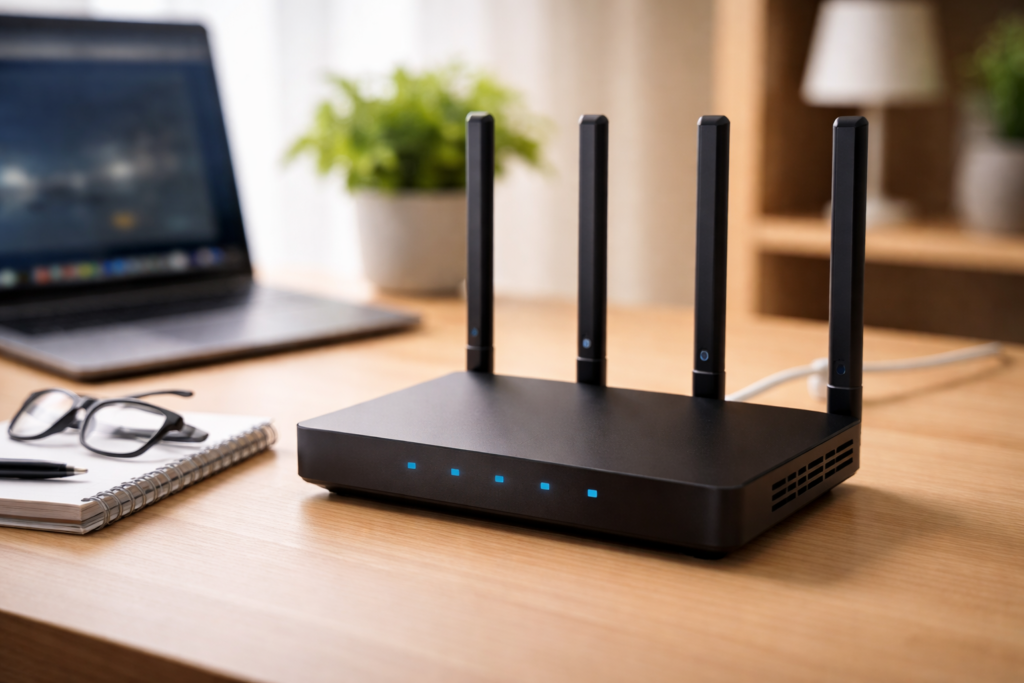
A fast, secure, and reliable Wi-Fi network is no longer optional it’s the backbone of modern life. From remote work and 4K streaming to smart homes and gaming, your network quality directly impacts your daily experience. This updated guide walks you through everything you need to set up, optimise, and secure your Wi-Fi network in 2026.
1. Understanding Modern Wi-Fi
Wi-Fi technology has evolved significantly in recent years:
- Wi-Fi 6 / 6E / 7: Faster speeds, lower latency, and better handling of multiple devices
- More connected devices: Smart TVs, phones, IoT devices, cameras, and assistants
- Higher expectations: Seamless video calls, gaming, and streaming
A modern home can easily have upwards of 20 connected devices, making network design more important than ever.
2. Choosing the Right Router or System
Your router is the foundation of your network.
What to look for:
- Wi-Fi 6 or newer (minimum)
- Mesh systems for medium to large homes
- Tri-band support for heavy usage
- Strong security features (WPA3 support)
When to choose mesh Wi-Fi:
- Large homes or multiple floors
- Dead zones or weak signal areas
- Many simultaneous users/devices
Modern mesh systems distribute signal evenly and eliminate coverage gaps.
3. Router Placement: The Most Overlooked Factor
Where you place your router has a huge impact on performance.
Best practices:
- Place centrally in your home
- Keep it elevated (not on the floor)
- Avoid thick walls, metal objects, and appliances
- Keep away from corners and cabinets
Poor placement is one of the main causes of slow Wi-Fi not your internet plan.
4. Setting Up Your Network
Most modern routers now use mobile apps for quick setup.
Basic setup steps:
- Connect router to modem
- Power it on
- Use the app/web interface to configure
- Create your:
- Network name (SSID)
- Strong password
Tip: Avoid using personal information in your network name.
5. Securing Your Wi-Fi (Critical in 2026)
Wi-Fi networks are still a major attack surface. Because signals extend beyond your home, attackers can attempt to intercept or access your network.
Essential security steps:
- Use WPA3 encryption (always)
- Set a strong password (20+ characters recommended)
- Change default router login credentials
- Disable WPS
- Enable automatic firmware updates
Additional protection:
- Create a guest network for visitors
- Use a VPN on public Wi-Fi
- Monitor connected devices regularly
Weak security can lead to:
- Data theft
- Bandwidth hijacking
- Malware distribution
6. Managing Smart Devices (IoT)
Smart homes are convenient but they increase risk.
Best practices:
- Put IoT devices on a separate network or VLAN
- Keep devices updated
- Avoid cheap/untrusted brands
- Disable features you don’t use
Smart devices are often the weakest link in home security.
7. Optimising Performance
Use the right frequency: the frequency of your router affects both speed and range
- 2.4 GHz → longer range, slower speed
- 5 GHz / 6 GHz → faster speeds, shorter range
Enable advanced features:
- QoS (Quality of Service) → prioritise video calls/gaming
- Band steering → automatic device optimisation
- Channel selection → reduce interference
Pro tip:
Use wired connections (Ethernet) for:
- Gaming consoles
- Work computers
- Streaming devices
8. Extending Coverage
If you still have weak areas:
- Add mesh nodes (best solution)
- Use range extenders (budget option)
- Consider wired backhaul for stability
Mesh systems are now the preferred solution for most homes.
9. Common Problems & Fixes
Slow speeds
- Reposition router
- Upgrade outdated hardware
- Check for bandwidth-heavy devices
Frequent dropouts
- Update firmware
- Change Wi-Fi channel
- Reduce interference
Devices not connecting
- Check compatibility (older devices may struggle with newer standards)
10. Enhancing Wi-Fi Security After Setup
Setting up your Wi-Fi securely is just the first step maintaining and strengthening that security over time is just as important. As new threats emerge and more devices connect to your network, ongoing protection becomes essential.
Regularly Update Firmware
Router manufacturers frequently release updates to fix vulnerabilities and improve performance.
- Enable automatic updates if available
- Manually check for updates every 1–2 months
- Replace routers that no longer receive security updates
Outdated firmware is one of the most common ways attackers gain access to networks.
Monitor Connected Devices
Make it a habit to review which devices are connected to your network.
- Use your router app/dashboard to view active devices
- Remove or block unknown devices immediately
- Rename known devices for easier identification
If you see something unfamiliar, it could indicate unauthorised access.
Use Network Segmentation
Separating devices reduces risk if one device is compromised.
- Create a guest network for visitors
- Place smart home (IoT) devices on a separate network
- Consider VLANs for advanced setups
This prevents attackers from accessing your main devices if they breach a weaker one.
Enable Advanced Security Features
Modern routers often include built-in security tools:
- Firewall protection (usually enabled by default)
- Intrusion detection/prevention systems (IDS/IPS)
- Device isolation
- DNS filtering or parental controls
Take time to explore your router’s settings many useful features are disabled by default.
Disable Unused Features
Every enabled feature is a potential entry point.
- Turn off remote management unless absolutely necessary
- Disable UPnP if you don’t use it
- Keep WPS disabled
Minimising exposed services reduces your attack surface.
Strengthen Authentication
Even with WPA3, good password hygiene matters.
- Change your Wi-Fi password periodically
- Avoid reusing passwords from other accounts
- Consider using a password manager
For advanced users:
- Enable MAC address filtering (limited but adds friction)
Use Secure DNS
Switching to a secure DNS provider can add an extra layer of protection.
- Helps block malicious websites
- Can improve privacy and browsing speed
Popular secure DNS services include:
- Cloudflare (1.1.1.1)
- Google DNS (8.8.8.8)
Watch for Phishing & Social Engineering
Not all attacks are technical many target people.
- Be cautious about sharing your Wi-Fi password
- Don’t give access to unknown guests or devices
- Verify requests before granting network access
Consider Additional Layers of Protection
For higher-security needs:
- Use a VPN on sensitive devices
- Set up a hardware firewall
- Implement Zero Trust-style access controls for business environments
Key Takeaway
Wi-Fi security isn’t a one-time task it’s an ongoing process. By actively monitoring your network, keeping systems updated, and reducing unnecessary exposure, you can significantly lower your risk of intrusion.
11. Ongoing Maintenance
A Wi-Fi network is not “set and forget.”
Monthly checks:
- Review connected devices
- Update firmware
- Run speed tests
Yearly:
- Consider upgrading hardware (especially if older than 4–5 years)
Final Thoughts
A well-designed Wi-Fi network in 2026 is about more than speed it’s about coverage, security, and reliability across dozens of devices. By choosing the right hardware, securing your network properly, and optimising performance, you can create a seamless digital experience for your home or business.
follow us on linkedin to stay up to date with our posts
