
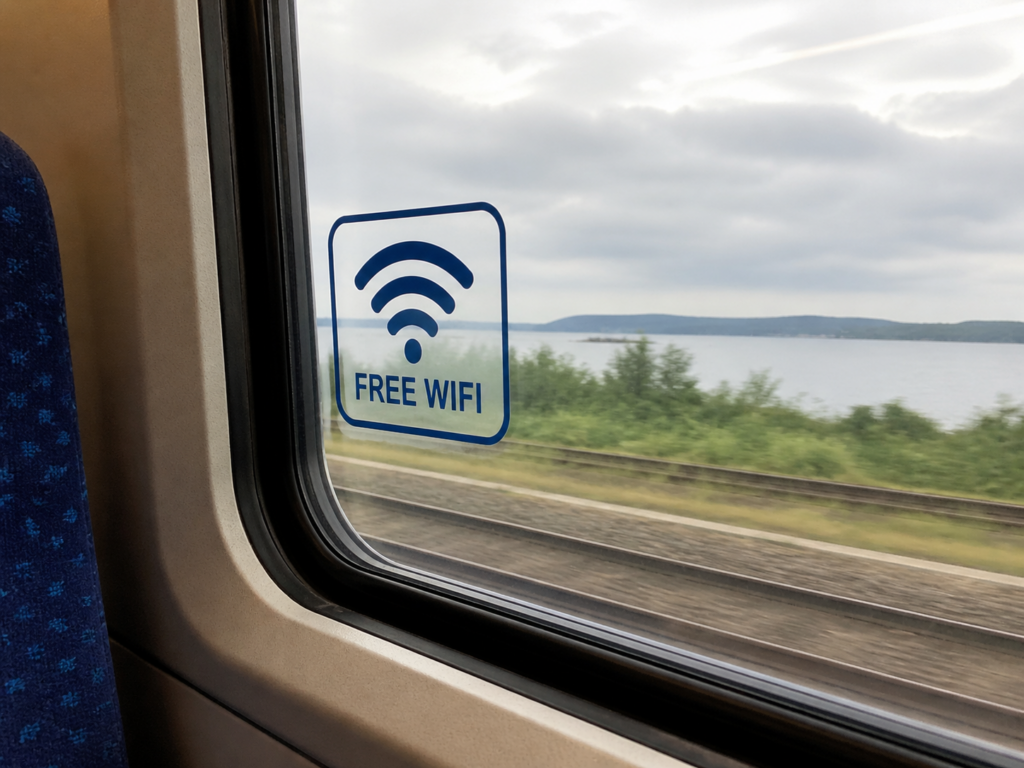
Free public Wi-Fi is everywhere, from cafés and airports to hotels and trains. It is convenient, often essential, and usually taken for granted. But is it safe? The short answer is that public Wi-Fi is rarely secure by default. The more useful answer is that you can still use it safely if you understand the risks and take a few sensible precautions.
Why Public Wi-Fi Can Be Risky
Public networks are appealing targets because they are open and widely used. Unlike your home network, which is protected by a password and controlled access, public Wi-Fi is shared with strangers. That creates several vulnerabilities.
One common threat is interception. On an unsecured network, a malicious actor can potentially view data being transmitted between your device and the internet. This is sometimes called packet sniffing. If your connection is not properly encrypted, sensitive information such as login details or personal messages could be exposed.
Another issue is rogue networks. Attackers can set up fake Wi-Fi hotspots with names that look legitimate, such as “Free Airport Wi-Fi”. If you connect, your traffic may pass through their system, giving them an opportunity to monitor or manipulate it.
There is also the risk of man-in-the-middle attacks, where someone intercepts communication between you and a website. In some cases, they may even alter what you see, such as redirecting you to a fake login page.
Is It Ever Safe?
Public Wi-Fi is not inherently unsafe, but it is not safe by default either. The key difference lies in how you use it. Modern websites and apps often use encryption, which significantly reduces the risk. You will recognise this by the “https” in a web address and the padlock icon in your browser.
Even so, encryption alone is not a complete solution. Poorly configured networks, outdated software, and careless browsing habits can still leave you exposed.
In practical terms, public Wi-Fi can be used safely for low-risk activities like reading news or checking timetables. For anything involving sensitive data, extra care is needed.
What You Should Actually Do
1. Use a Virtual Private Network
A VPN encrypts your internet traffic, making it far harder for others on the same network to see what you are doing. It is one of the most effective ways to protect yourself on public Wi-Fi. If you regularly rely on open networks, a reputable VPN is worth considering.
2. Stick to Secure Websites
Only enter personal information on websites that use HTTPS. Most modern browsers will warn you if a site is not secure. Take those warnings seriously and avoid proceeding if something feels off.
3. Avoid Sensitive Transactions
Try not to access banking apps, enter payment details, or handle confidential work documents on public Wi-Fi. If it can wait until you are on a trusted network, it probably should.
4. Turn Off Automatic Connections
Many devices automatically connect to known networks. This can be risky if a malicious network mimics a legitimate one. Disable automatic connections and choose networks manually.
5. Use Mobile Data When It Matters
If you need to do something sensitive, switching to mobile data is often the safer option. It is not immune to risks, but it is generally more secure than open Wi-Fi.
6. Keep Your Device Updated
Software updates often include security fixes. Keeping your operating system and apps up to date reduces your vulnerability to known exploits.
7. Enable Two-Factor Authentication
Even if your password is compromised, two-factor authentication adds an extra layer of protection. This simple step can prevent unauthorised access to your accounts.
The Bottom Line
Public Wi-Fi is a trade-off between convenience and security. It is not something to fear, but it is not something to trust blindly either. With a bit of awareness and a few practical habits, you can reduce the risks significantly.
Think of public Wi-Fi like a busy public space. You would not shout out your bank details in a crowded room, and the same principle applies online. Use it when you need it, protect yourself when it matters, and you will be on much safer ground.
To find out more about how to stay safe online check out our helpful courses, or to stay up to date with us follow on linkedin.
