
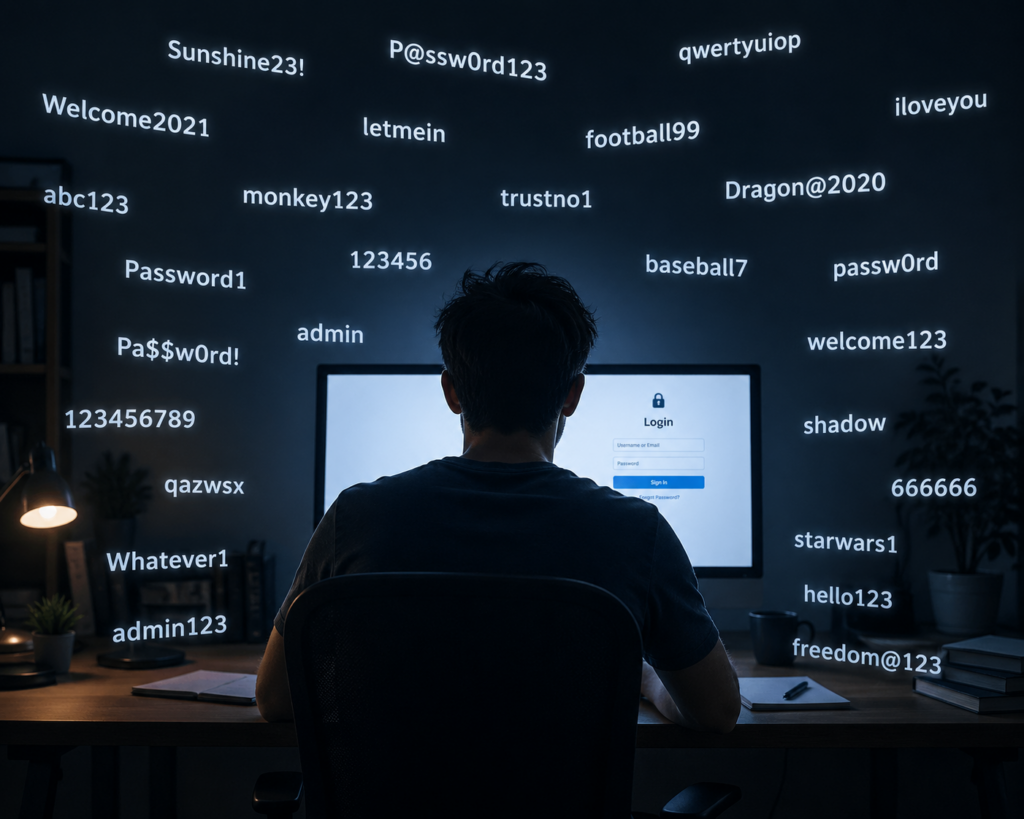
In a world where nearly every aspect of life is online banking, shopping, work, and socialising passwords have become the keys to our digital identity. Yet most people still rely on weak, reused, or easy-to-guess passwords. That’s where password managers come in. But a common question remains: are they actually safe?
This guide breaks down what password managers are, how they work, and whether they’re a smart choice for protecting your digital life.
What Is a Password Manager?
A password manager is a tool that securely stores and manages your passwords in one place. Instead of remembering dozens (or hundreds) of passwords, you only need to remember one master password.
Most password managers can:
- Generate strong, unique passwords for each account
- Autofill login credentials on websites and apps
- Store sensitive information like credit card details or secure notes
- Sync across multiple devices
Why You Should Use One
The biggest security risk today isn’t hackers using advanced techniques it’s people reusing weak passwords.
If you use the same password across multiple sites, a breach on one platform can expose all your accounts. Password managers solve this by generating and storing unique passwords for every login, dramatically reducing your risk.
How Password Managers Keep Your Data Safe
At first glance, storing all your passwords in one place sounds risky. But password managers are specifically designed to be secure. Here’s how they protect your data:
1. Encryption
Password managers use strong encryption to scramble your data. This means even if someone intercepts it, they can’t read it without the decryption key.
2. Zero-Knowledge Architecture
Many reputable password managers operate on a “zero-knowledge” model. This means even the company itself cannot access your stored passwords only you can.
3. Master Password Protection
Your vault is locked behind a master password. This is the only password you need to remember, and it’s never stored or transmitted in plain form.
4. Two-Factor Authentication (2FA)
Most password managers support 2FA, adding an extra layer of security beyond just your master password.
Are Password Managers Really Safe?
Short answer: yes, when used correctly, they are one of the safest options available.
However, no system is completely risk-free. Here are the main considerations:
Potential Risks
- Master password theft: If someone gets your master password, they could access your vault
- Device compromise: Malware on your device could capture keystrokes or screen data
- Service breaches: While rare, even password manager companies can be targeted
Why They’re Still Worth It
Even with these risks, password managers are far safer than:
- Reusing passwords
- Writing passwords down
- Using simple or predictable passwords
They significantly raise the barrier for attackers and reduce the likelihood of widespread account compromise.
Tips for Using a Password Manager Safely
To get the most out of a password manager, follow these best practices:
- Create a strong master password: Make it long, unique, and memorable (avoid common phrases)
- Enable two-factor authentication: This adds an extra layer of protection
- Keep your devices secure: Use antivirus software and keep systems updated
- Be cautious of phishing attacks: Even the best tools can’t protect you from entering your password on fake websites
- Regularly update important passwords: Especially for banking, email, and work accounts
Final Thoughts
Password managers aren’t just convenient they’re a major upgrade to your overall security. While no tool can guarantee complete protection, using a password manager correctly is far safer than managing passwords manually.
If you’re still juggling multiple logins or reusing passwords, adopting a password manager is one of the simplest and most effective steps you can take to protect yourself online.
In the end, the question isn’t really “Are password managers safe?” it’s “Is there a safer alternative?” For most people, the answer is no.
try out NordPass today, or to learn more about protecting yourself online, check out our helpful courses.
